The short answer
Local SEO for a Melbourne business comes down to four things: a complete, accurate Google Business Profile; the same name, address and phone everywhere online; useful pages for the services and suburbs you cover; and a steady flow of genuine reviews. Google ranks local results on relevance, distance and prominence, and this checklist covers each one.
How does Google rank local businesses?
When someone searches “dentist near me” or “electrician Brunswick”, Google shows a map with three businesses, often called the map pack or local pack. Google says it ranks these results on three main factors.
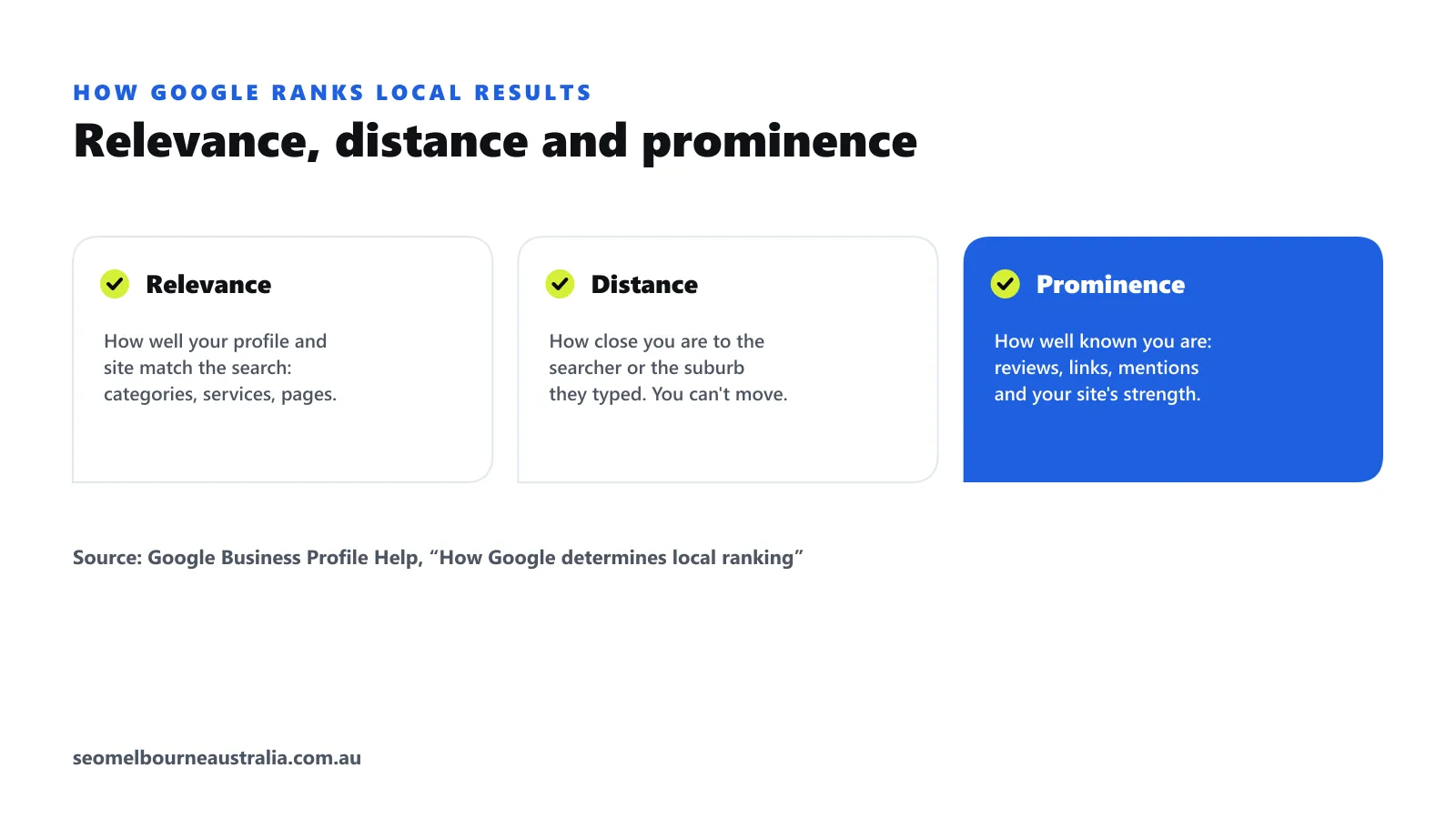
- Relevance. How well your profile and website match the search: your categories, services and the words on your pages.
- Distance. How far your business is from the searcher, or from the suburb in their search. You cannot change this, which is why suburb pages and service areas matter.
- Prominence. How well known your business is: reviews, links, mentions and the overall strength of your website.
Everything below works on one or more of these three.
1. Google Business Profile checklist
Your Google Business Profile is the single most important local SEO asset. Work through it section by section.
- Business name. Your real-world name only. Adding keywords or suburbs to the name breaks Google’s guidelines and can get a profile suspended.
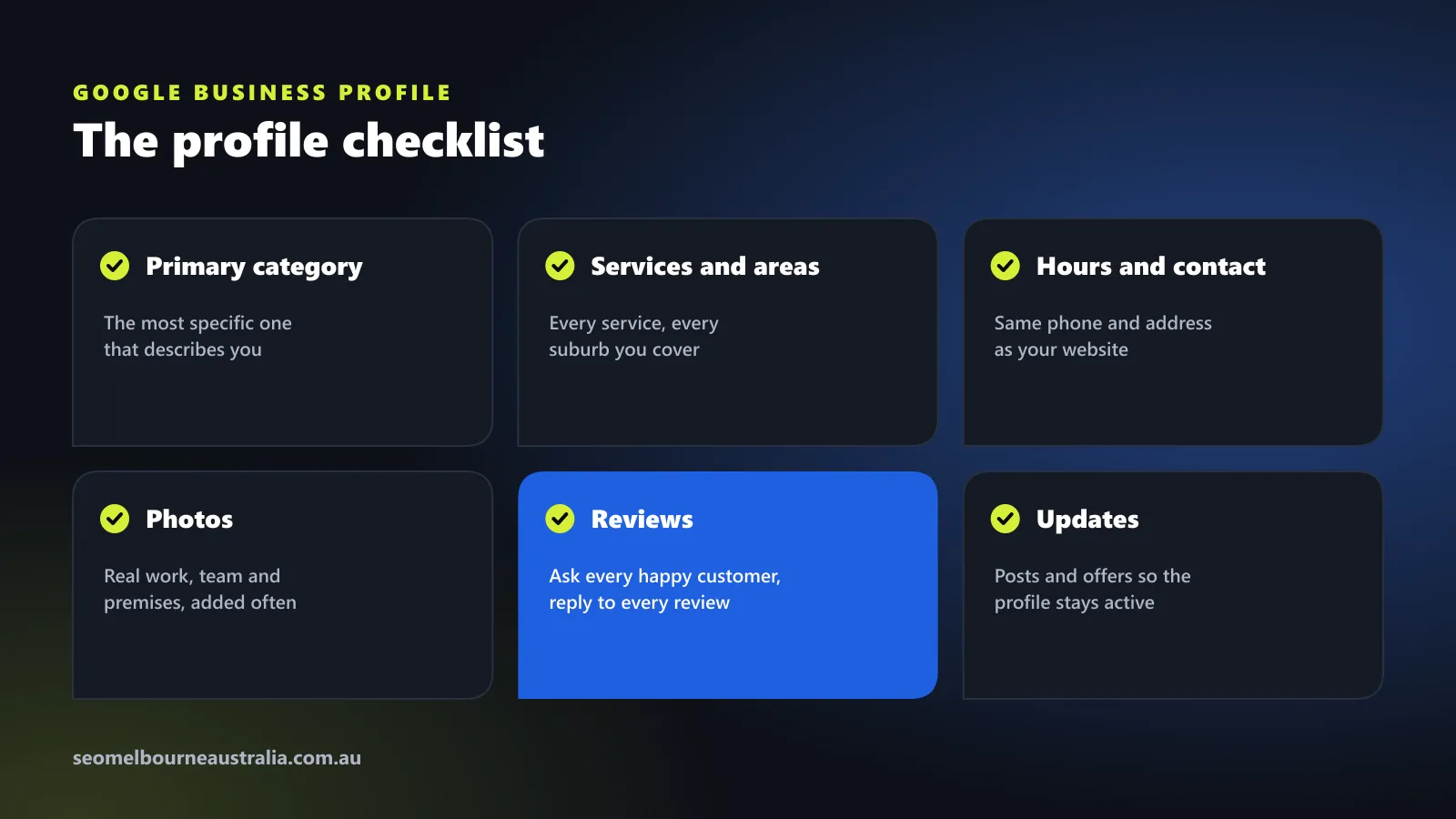
- Primary category. The most specific category that describes your main service, plus a few accurate secondary categories.
- Address or service areas. If customers visit you, show your address. If you travel to them, hide the address and list your service areas.
- Services and products. List every service with a short description in your customers’ words.
- Hours, phone and website. Identical to your website, including public holiday hours.
- Photos. Real photos of your work, team and premises, added regularly.
- Updates and offers. Posts keep the profile active and give searchers a reason to choose you.
- Questions and answers. Add the common questions customers ask, with clear answers.
2. Make your business details identical everywhere
Your name, address and phone number (often called NAP) should match exactly on your website, Google Business Profile and every directory. Mismatches, such as an old phone number or “St” in one place and “Street” in another with a different unit number, make it harder for Google and AI tools to trust your details.
Start with the listings that matter most in Australia:
- Apple Business Connect (Apple Maps and Siri)
- Bing Places for Business (Bing and Microsoft Copilot)
- Yellow Pages and True Local
- Hotfrog and Yelp
- Industry directories, such as hipages for trades or your professional association’s member directory
Search for your business name and old phone numbers to find duplicates and outdated listings, then fix or remove them.
3. Build useful pages for your services and suburbs
Your website needs a clear page for each main service, and pages for the areas you serve. Melbourne is spread across hundreds of suburbs, so most businesses group nearby suburbs into service areas rather than writing a page for every one.
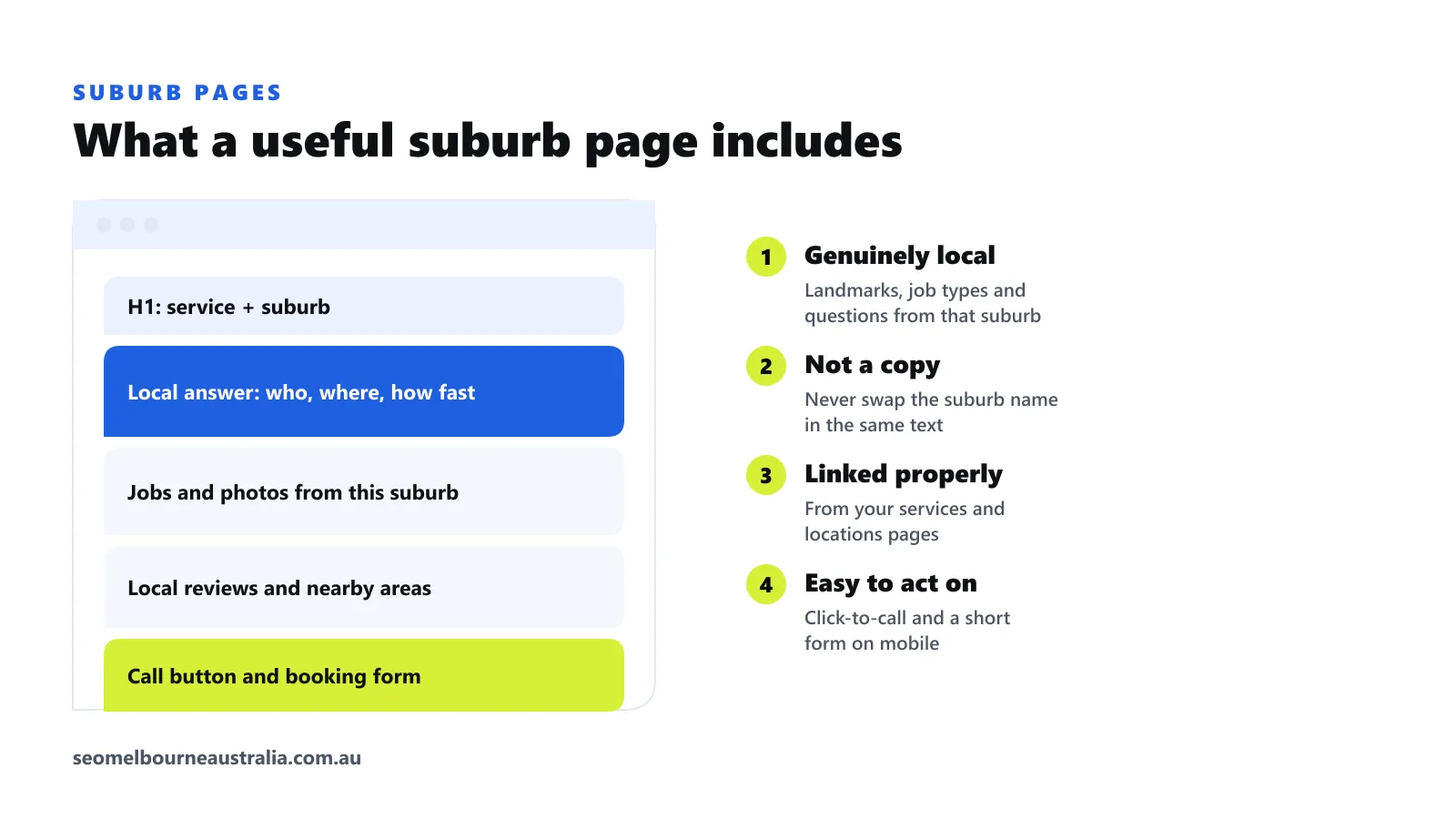
A suburb or area page earns its place when it includes:
- A heading that names the service and the area.
- A short answer: what you do there, how quickly you can get there, and how to book.
- Jobs, photos or examples from that area.
- Reviews from local customers, and links to nearby areas you also cover.
- A click-to-call button and a short form that work well on a phone.
Avoid copying one page and swapping the suburb name. Pages like that add little value and usually do not rank. Link each area page from your services and locations pages so Google can find it, because pages with no internal links are hard for Google to discover.
4. Get a steady flow of genuine reviews
Google states that high-quality, positive reviews can improve your local visibility. Reviews also persuade the person reading them, which matters as much as the ranking.
- Ask every happy customer, at the moment the job is done. A short link or QR code makes it easy.
- Encourage customers to mention the service and suburb in their own words.
- Reply to every review, positive or negative, politely and promptly.
- Never buy reviews, offer incentives for them or post fake ones. It breaks Google’s policies and Australian Consumer Law.
5. Get the technical basics right on mobile
Most local searches happen on phones. Your site should load quickly on mobile data, show your phone number as a tap-to-call link, and work without zooming. Add local business schema so search engines can read your name, address, phone, hours and service areas directly.
6. Earn local links and mentions
Links and mentions from other Melbourne websites build prominence. Good sources include local business associations, suppliers and partners you work with, community groups and sports clubs you sponsor, local news coverage of your work, and industry associations. One relevant local link is worth more than many unrelated ones.
7. Track calls and enquiries from Google Maps
Add tracking parameters to the website link in your Google Business Profile, so visits from your profile show separately in Google Analytics 4. Track calls from your profile and website as well. Our guide on how to track calls and leads from SEO walks through the setup.
Your monthly local SEO routine
| Task | How often |
|---|---|
| Add photos and a post to your Google Business Profile | Weekly or fortnightly |
| Ask for reviews and reply to new ones | Every job |
| Check profile details, hours and holiday hours | Monthly |
| Review calls, directions and website clicks from your profile | Monthly |
| Check directories for wrong details or duplicates | Every three months |
| Add or improve a service or area page | Monthly |
Local SEO and AI search
AI tools such as ChatGPT and Google’s AI Overviews increasingly answer local questions too, and they draw on the same signals: consistent business details, reviews, clear pages and mentions. The work in this checklist helps you appear there as well. Our guide to generative engine optimisation covers the extra steps.
Want us to check it for you?
Our free SEO and AI visibility audit reviews your Google Business Profile, citations, suburb pages and reviews against the businesses ranking above you, and our local SEO service works through this checklist for you every month.
Frequently asked questions
How do I get my business into the Google map pack in Melbourne?
Complete every section of your Google Business Profile with the most specific category, keep your name, address and phone identical across the web, build useful pages for each service and suburb, and ask every happy customer for a review. Google ranks the map pack on relevance, distance and prominence.
Do I need a page for every Melbourne suburb?
Only for suburbs you genuinely serve and can say something useful about, such as jobs you have done there, travel times or local needs. Copying one page and swapping the suburb name creates thin, duplicate pages that rarely rank.
Can I rank in suburbs where I don't have an office?
Yes, through service-area pages and your Google Business Profile service areas, though distance still matters in the map pack. Service-area businesses can hide their address and list the suburbs they cover instead.
How many Google reviews do I need?
There is no set number. Google says high-quality, positive reviews can improve your visibility. Aim for a steady flow of genuine reviews that mention the service and suburb, and reply to each one.
How long does local SEO take in Melbourne?
Profile fixes and citation clean-ups can show results within weeks. Ranking in competitive categories across many suburbs usually takes several months of steady work on pages, reviews and links.

Jack is a Content Strategist at SEO Melbourne Australia. Jack plans the content and campaigns that bring Melbourne businesses calls and enquiries, and writes our guides on search, AI visibility and lead tracking. Meet the team